
Background
I have a very large Apple Music library—27,000+ tracks—and every 6–12 months, Music on my Mac would gradually slow to a crawl. Eventually, even a simple edit could take 10–15 seconds to process.
When this happened, both Music and AMPDevicesAgent would consume huge amounts of CPU, sometimes hovering around 99%.
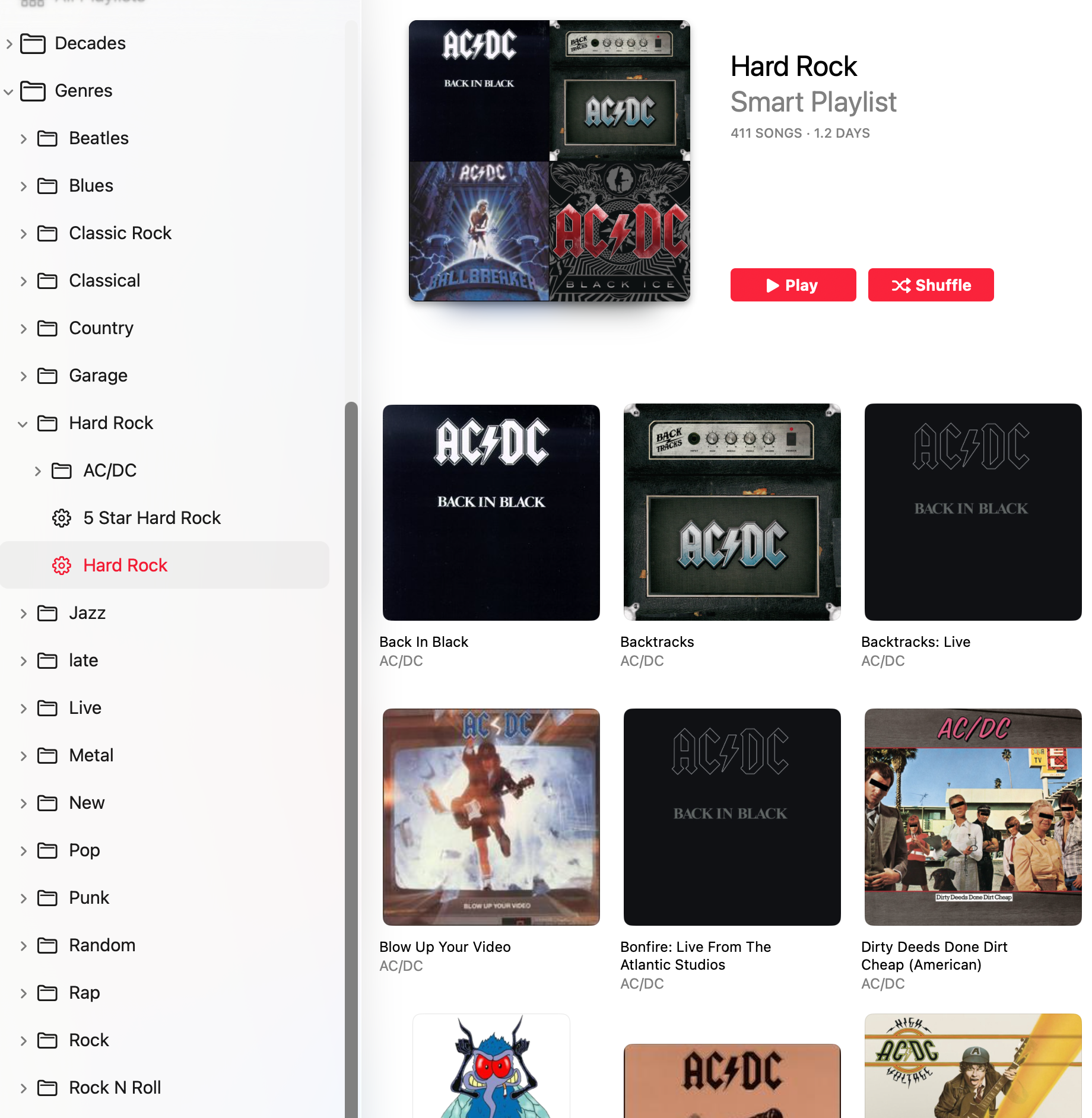
My usual solution was to delete and rebuild the entire Music library. That worked, but it was tedious, especially because I have a fairly elaborate playlist system.
The Cause
While rebuilding my library this time, I finally figured out what was causing the problem: nested Smart Playlists.
By “nested,” I mean Smart Playlists whose rules depend on other Smart Playlists, which in turn depend on still other Smart Playlists.
It appears that as these dependencies pile up, Music has to do an enormous amount of processing to keep everything updated. With a large library and enough nested Smart Playlists, the processing overhead seems to grow dramatically—possibly exponentially.
The Fix
I’ve now limited my Smart Playlists to one level of dependency at most.
In other words, a Smart Playlist can reference one or more other Smart Playlists, but those referenced playlists cannot themselves depend on other playlists.
The difference has been dramatic. After restructuring my playlists:
AMPDevicesAgent: ~0.3% CPU
Music: ~5.2% CPU
So, if you have a large Apple Music library and Music gradually becomes painfully slow—especially if you’re seeing high CPU usage from Music or AMPDevicesAgent—take a look at your Smart Playlists before rebuilding your entire library. Nested Smart Playlists may be the culprit.


